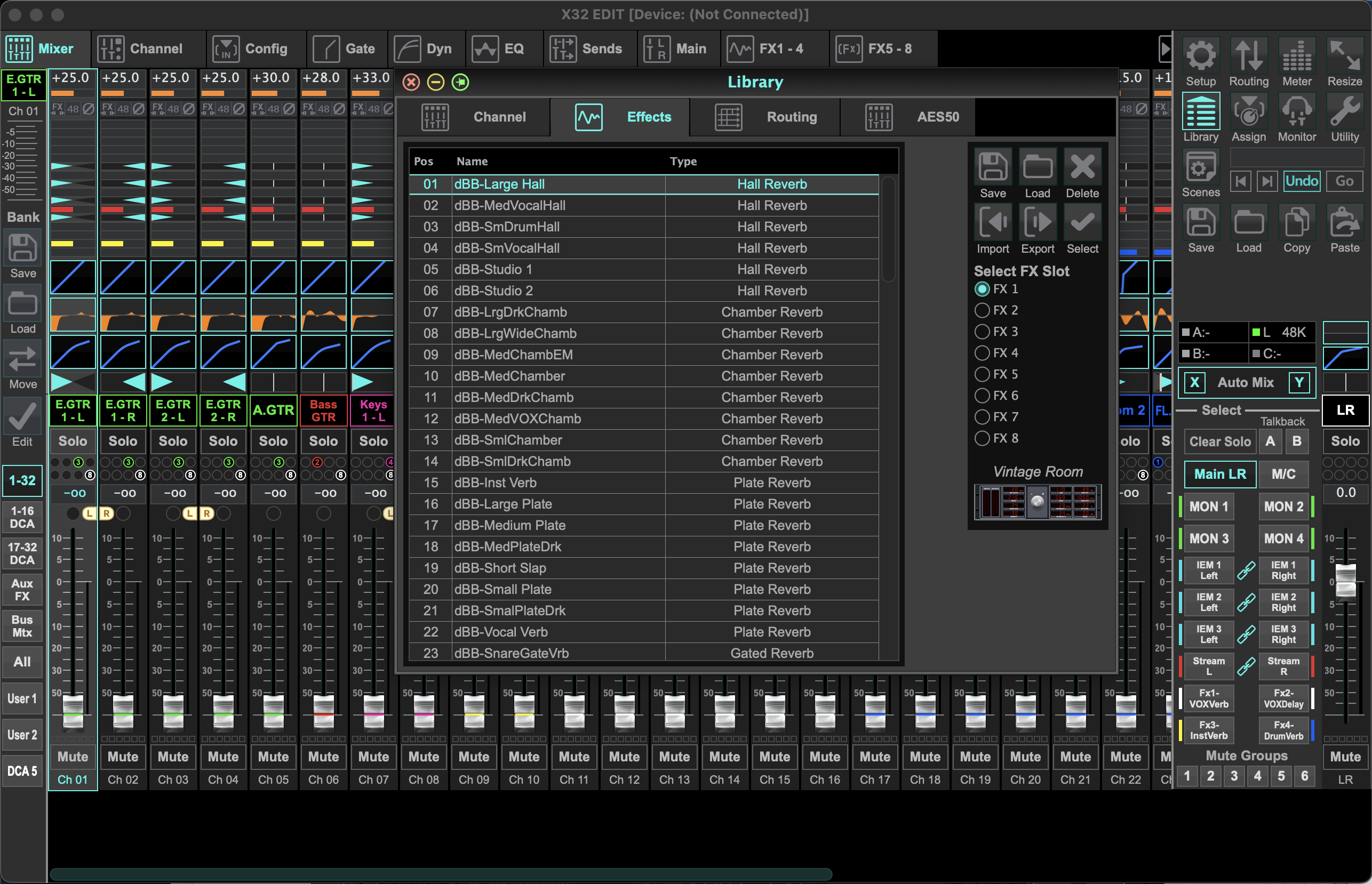
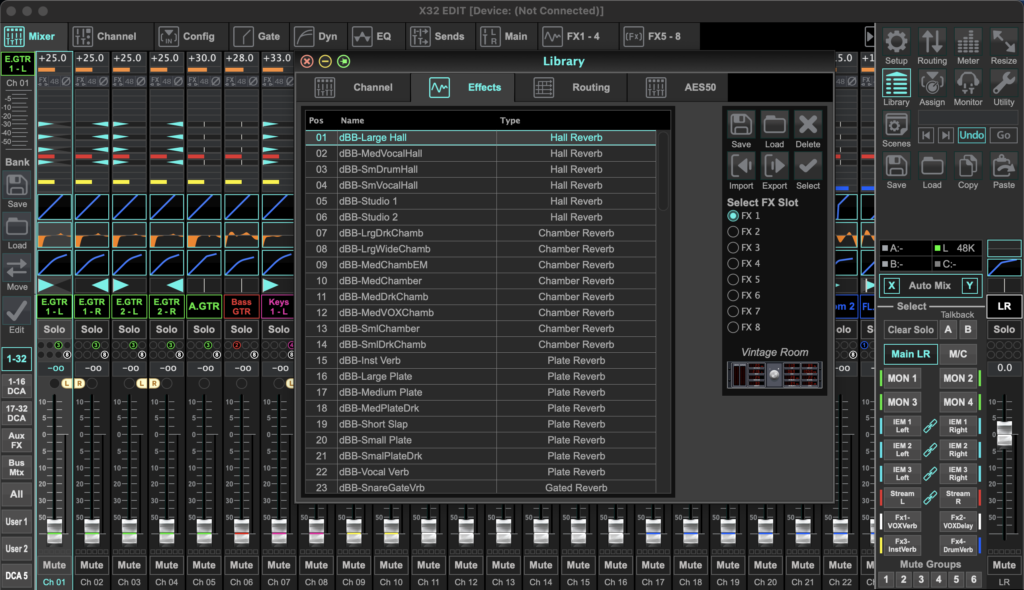
Effects Library Download for the Behringer X32 & Midas M32
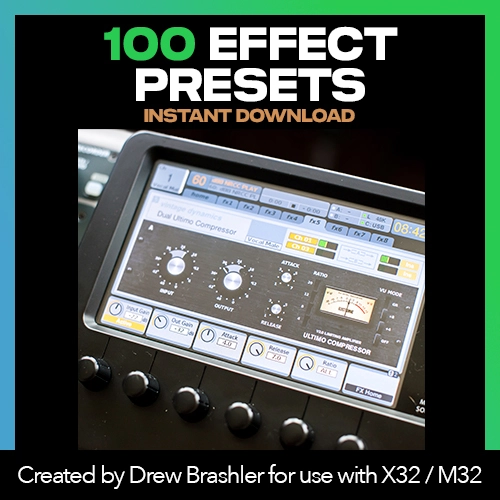
Get 100 effects presets for your Behringer X32 or Midas M32—ready to load and use immediately. Stop spending hours tweaking reverbs, delays, and compressors from scratch. Start with professionally-tuned presets and adjust to taste.
These presets work on all X32 and M32 models and have been tested on firmware V2, V3, and V4.
What’s Included
- 100 effects presets covering all built-in effects
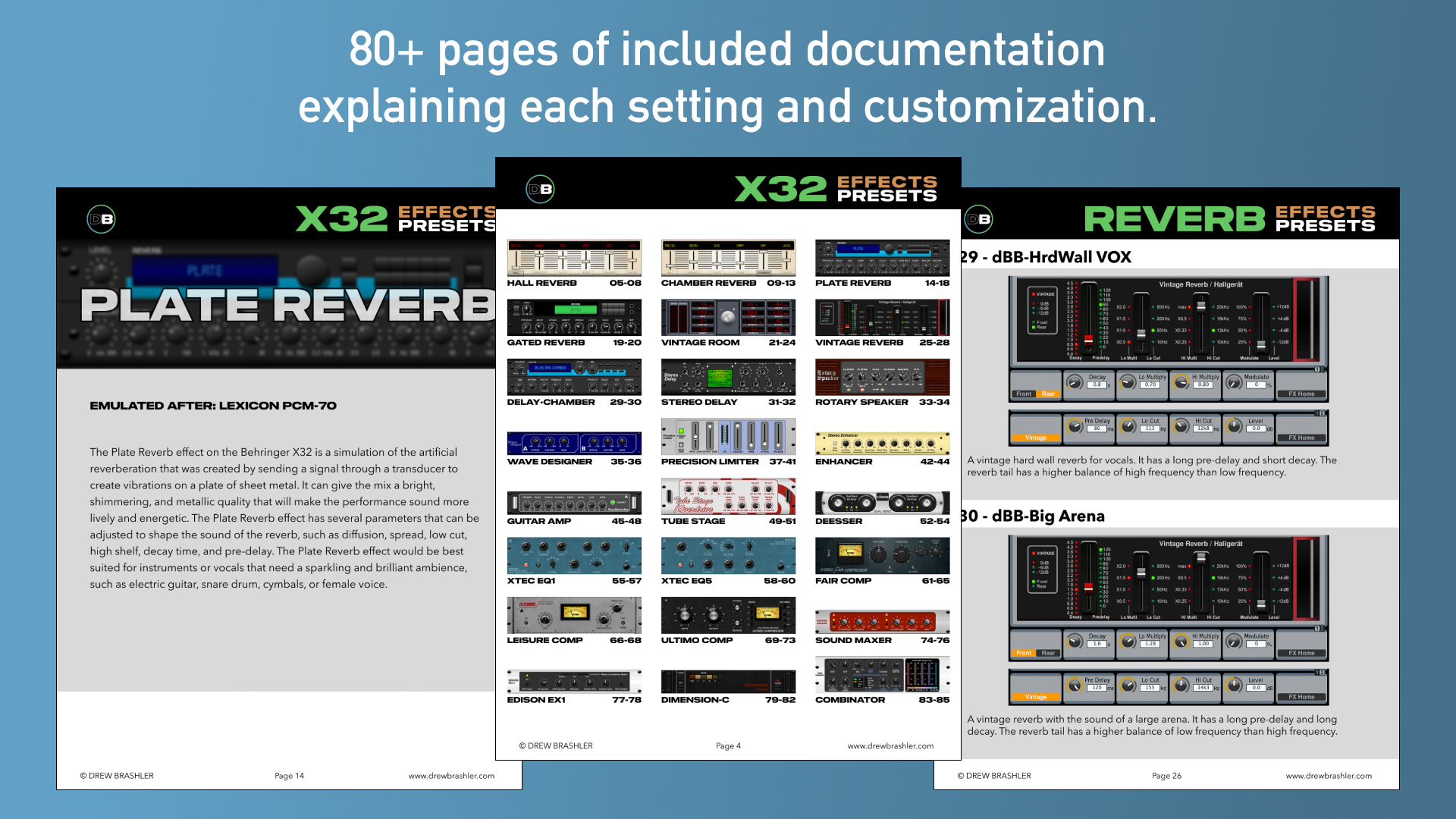
- PDF documentation explaining every setting
- USB thumb drive loading instructions
Effects Presets Included
Hall Reverb:
- Large Hall
- Medium Vocal Hall
- Small Drum Hall
- Small Vocal Hall
- Studio 1
- Studio 2
Chamber Reverb:
- Large Dark Chamber
- Large Wide Chamber
- Medium Chamber 1
- Medium Chamber 2
- Medium Dark Chamber
- Medium Vocal Chamber
- Small Chamber
- Small Dark Chamber
Plate Reverb:
- Instrument Plate
- Large Plate
- Medium Plate
- Medium Dark Plate
- Short Slap Plate
- Small Plate
- Small Dark Plate
- Vocal Plate
Gated Reverb:
- Snare Gated Reverb
Vintage Room:
- Medium Dark Room
- Large Room
- Medium Room
- Small Bright Room
- Small Room
Vintage Reverb:
- Hard Wall Vocal Reverb
- Big Arena Reverb
- Fat Snare Reverb
- Drum Reverb
- Vocal Reverb
Delay + Chamber
- Vocal Delay + Chamber
Stereo Delay:
- Stereo Tap Delay
- Mono Tap Delay
Rotary Speaker:
- Leslie
- Old Church Organ
Wave Designer:
- Bass Attack
- Snare Sustain
Precision Limiter:
- Hard Limiting
- Limiting Default Settings
- Moderate Limiting
- Rock Limiting
- Slamming
- Bus Enhancing Limiter
- Gentle Limiting
Enhancer:
- Stereo Keys
- Stereo Equal-Loudness Contour
- Dual Keys
- Dual Equal-Loudness Contour
Guitar Amp:
- Marshall Bluesbreaker
- Hiwatt
- Big Muff Pi
- Vox AC30
- Fender Twin
- Fender Super Clean
Tube Stage:
- Bit of Tube
- Old Radio Microphone
- Tube Warmth
DeEsser:
- Snare Less Hi-Hat
- Male DeEsser
- Female DeEsser
Xtec EQ1:
- Kick Drum
- Electric Guitar
- Keys
Xtec EQ5:
- Snare Cut
- Snare Boost
- Bass Guitar
Fair Comp:
- Stereo MixBus Settings
- Stereo Drum Bus Fast Attack
- Stereo Drum Bus Slow Attack
- Piano
- Pop Vocal
- Electric Guitar
- Vocal
Leisure Comp:
- Hard Vocal Compression
- Vocal
- Unity Gain Settings
Ultimo Comp:
- Piano ALL Button Mode
- Vocal ALL Button Mode
- Acoustic Guitar
- Electric Guitar
- Vocal
- Snare
- Bass with Fuzz Sound
Sound Maxer:
- Mix Boost More
- Mix Boost
- Low End Boost
- Brightness
Edison EX1
- Stereo Spreader
Dimension C:
- Keyboard Chorus
- Male Vocal Chorus
- Acoustic Guitar Chorus
- Electric Guitar Chorus
- Female Vocal Chorus
Combinator:
- Stereo 6dB Mix Polish
- Stereo Mix Push
- Stereo Mix Polish
- Dual Hard Limiting
Why Use Effects Presets?
Presets give you a starting point—not a final destination. Instead of building every effect from scratch, you start with something that already sounds good and tweak from there.
The included 50-page PDF explains why each preset is built the way it is. You’ll learn as you mix, and feel confident adjusting settings to match your room and your style.
Who This is For
- Churches running live sound on the X32 or M32
- Worship leaders and volunteers who want better effects without the guesswork
- Live sound engineers looking for go-to effects settings
- Anyone new to the X32/M32 who wants professional-sounding effects fast
How to Install
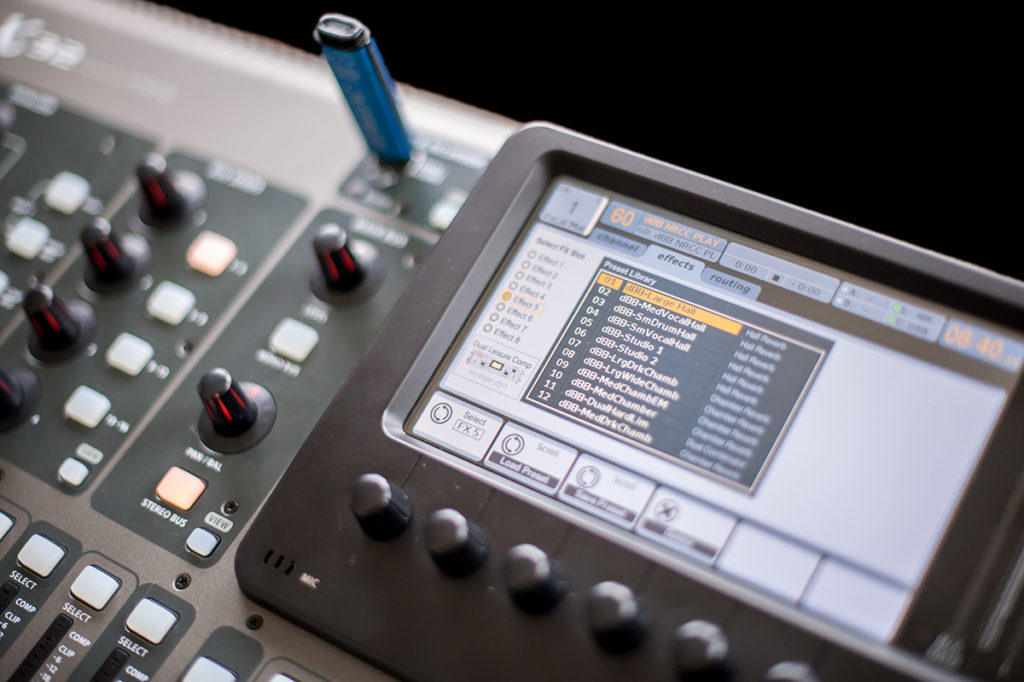
Option 1: USB Thumb Drive (Recommended)
- Load presets onto USB thumb drive
- Insert into X32/M32
- Press Library → Effects
- Import presets from USB
- Full instructions included in PDF
Option 2: X32-Edit Software
- Load presets onto your computer
- Open X32-Edit and connect to console
- Navigate to Effects Library
- Import presets
Requirements
- Behringer X32 or Midas M32 (any model):
- X32, X32 Core, X32 Rack, X32 Producer, X32 Compact
- M32, M32 Live, M32R Live, M32C
- Firmware V2.0 or newer (tested on V2, V3, and V4)
- USB thumb drive (for USB loading method)
- PDF reader for documentation
Want Channel Presets Too?
Pair this with the Channel Presets Library for complete coverage. Or save by getting both in the Channel + Effects Bundle.
New to the X32?
If you’re still learning the console, check out the X32 Fundamentals Course—a step-by-step guide to mastering your X32 or M32.