Learn the Behringer WING inside and out,
from first setup to full mix.
The complete fundamentals course for the WING, WING Compact, and WING Rack,
taught by Drew Brashler.
Start immediately, with lifetime access.
By the end of this course, you'll be able to:
☑️ Get your WING set up, updated, and connected to your computer or tablet
☑️ Route any input to any output, including stage boxes over AES50
☑️ Set preamp gain with confidence and shape every channel with gates, EQ, and dynamics
☑️ Build monitor mixes for wedges & IEMs and set up personal monitoring with the P16 and P24
☑️ Feed the PA and a live stream from the same console
☑️ Record multitracks and how to use a virtual sound check
☑️ Mix a full show from a blank scene, start to finish, and stop feedback before it takes over
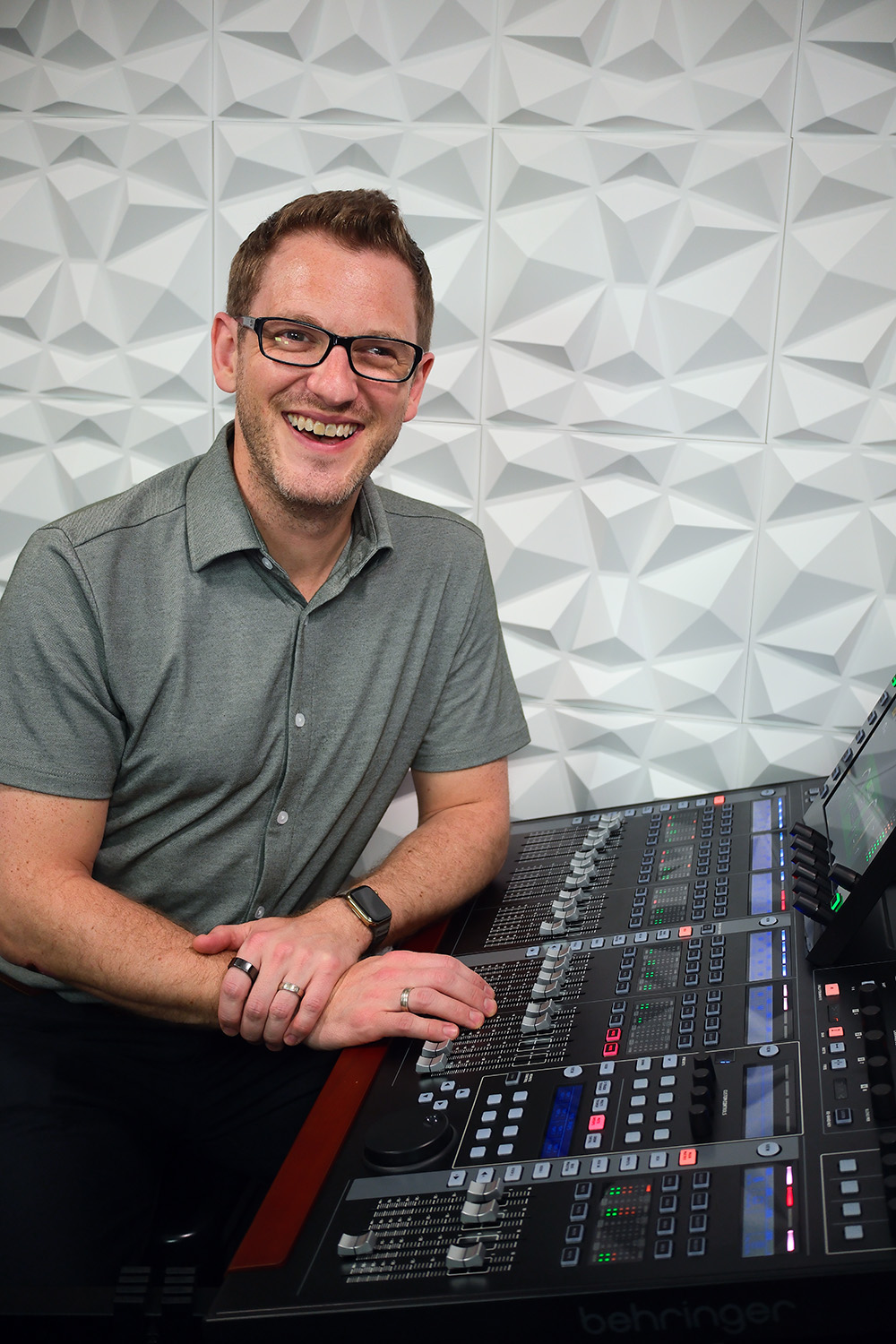
About Drew Brashler
I grew up in the FOH booth next to my dad, went on to study at the Conservatory of Recording Arts and Sciences, and have spent 20 years in live production as a technical director, a production manager, and an engineer on corporate shows and live events.
I started posting YouTube videos to help a few volunteers learn a new console. It turned out a whole community was trying to learn the same things.
Since then I’ve helped thousands of engineers go from staring at a board they don’t understand to mixing with confidence, through my channel, my courses, and one-on-one consulting.
This course is everything I’d show you about the WING if we were sitting at the board together.
What You'll Learn
in the WING Fundamentals Course
4 modules · 41 lessons · 12 hours of video
Set up any WING model
Set up any WING model
You’ll get a tour of the full-size WING, the WING Compact, and the WING Rack so you know your layout. Then you’ll connect it to a computer or tablet, update the firmware, and learn to save and load shows and snapshots. By the end of this section, your console is ready before you mix a single channel.
Routing, inputs and outputs
Understand routing, inputs, and outputs
You’ll learn how input sources, output destinations, and routing fit together, then set up local I/O, stage boxes over AES50, your main outputs, and the USB recorder. Along the way, you’ll see how preamps and digital trim work together so your gain is right from the start.
Shape every channel
Shape every channel
Learn to move around the console with faders, layers, and custom layers, then work through each stage of channel processing: preamp, gate, EQ, and dynamics. From there you’ll build bus sends, subgroups, monitor mixes, reverbs, and FX racks, and organize it all with mute groups and DCAs. We also cover WING Edit and the CoPilot app so you can mix from a laptop, tablet, or phone.
Run different setups easily
Run the setups you'll see at every show
Every room is set up differently, so we’ll work through the setups engineers run into most. You’ll feed the PA with your main and matrix outputs, send a dedicated mix to a live stream, run personal monitors with the P16 and P24, use StageConnect, and link two WINGs for front of house and monitors. You’ll also learn to record multitracks and run a virtual sound check, so your mix is dialed in before the band arrives.
Build a mix from scratch
Build a mix from scratch
Watch a complete mix come together from a blank scene in a lesson that runs over 100 minutes, with every choice explained as it’s made. Then mix it yourself with the practice multitracks included in the course.
Stop feedback before it happens
Troubleshoot problems and stop feedback
When something goes wrong mid-show, knowing where to look keeps the show on track. You’ll learn a clear process for tracking down the most common problems, and how to ring out monitors so feedback is under control before the first song.
What's Included


Plus bonus downloads


Explore the Curriculum

FAQs
Which WING models does the course cover?
All three: the full-size WING, the WING Compact, and the WING Rack. The first module includes a tour of each model, and everything after that applies to whichever one you’re mixing on.
How long do I have access?
You'll get access right away and will not lose access at any time. Every future update to the course is included at no extra cost.
Can I watch on my phone or tablet?
Yes. The course is hosted on Circle, which works in any browser and has an app for iOS and Android.
Can I enroll my team?
Yes. Contact my team at support@drewbrashler.com for group pricing, and we’ll set up seats for everyone on your team.
What doesn’t the course cover?
This course covers everything you need to run the WING with confidence at a show. It doesn’t go into advanced topics like Dante & Waves SoundGrid integration, deep dives into specific effects, PA system tuning, or advanced mixing techniques like subgroup mixing and parallel compression.
If those are what you want to learn next, contact us at support@drewbrashler.com and tell us what you’d like to see in an WING Advanced Course.
What if the course isn’t right for me?
You’re covered by a 14 day money-back guarantee. If the course isn’t what you need, contact us at support@drewbrashler.com within 14 days of purchase for a full refund.
14 day money-back guarantee