Advanced Scene for the Behringer X32 & Midas M32
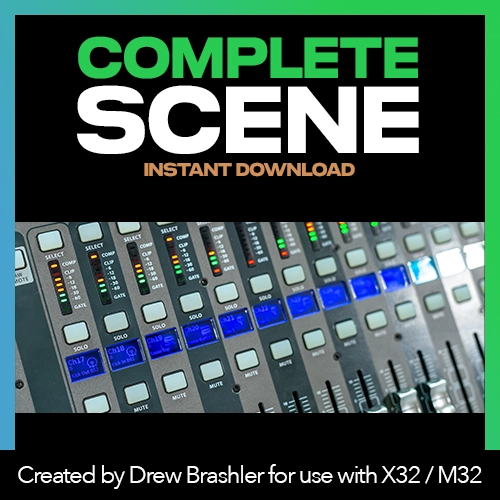
A complete, professional-grade scene file for engineers who know the X32/M32 inside and out. This isn’t a beginner template—it’s an advanced starting point for experienced mixers who want to skip hours of setup and start with a dialed-in console.
Load this scene, connect your gear, and you’re ready to mix.
Who This is For
- Experienced audio engineers familiar with the X32/M32
- Churches with dedicated tech staff or volunteer teams
- Engineers setting up a new X32/M32 system
- Anyone who wants a professional foundation to build on
Not recommended for beginners—this scene assumes you are familiar with routing, bus assignments, and effects processing.
What’s Included
- Complete X32/M32 scene file (all channels, routing, effects, and processing)
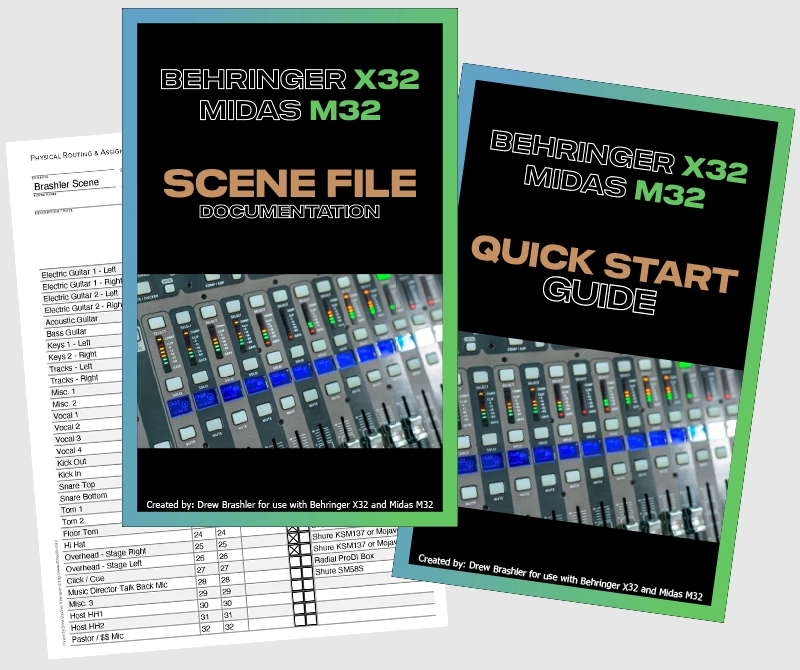
- Scene documentation PDF (explains how everything is configured)
- Quick-start guide PDF (get volunteers up to speed faster)
- Pre-filled patching worksheet (shows where to plug everything in)
Scene Configuration
Full Console Setup
- All 32 channels configured with EQ and compression
- Buses assigned for monitors, effects, and streaming
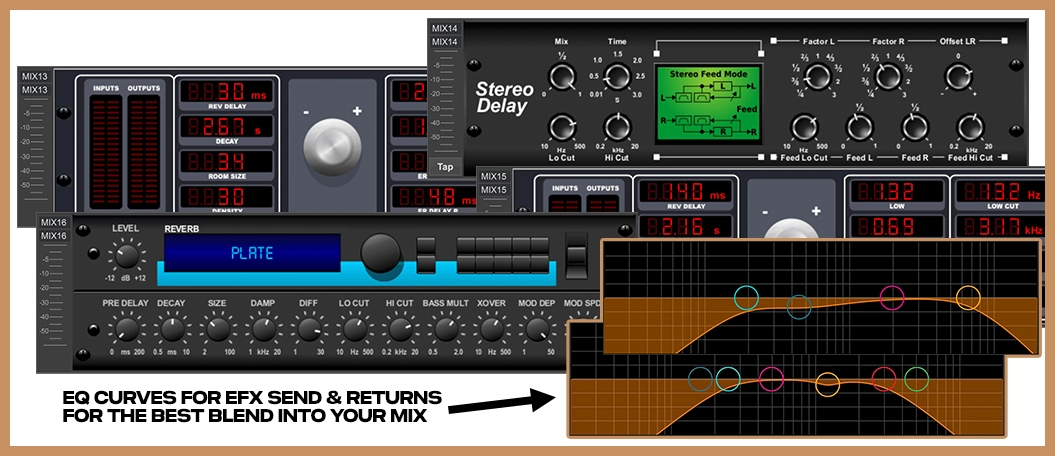
- Effects rack loaded with reverbs, delays, and modulation
- Master bus processing optimized for live sound
Routing and Patching
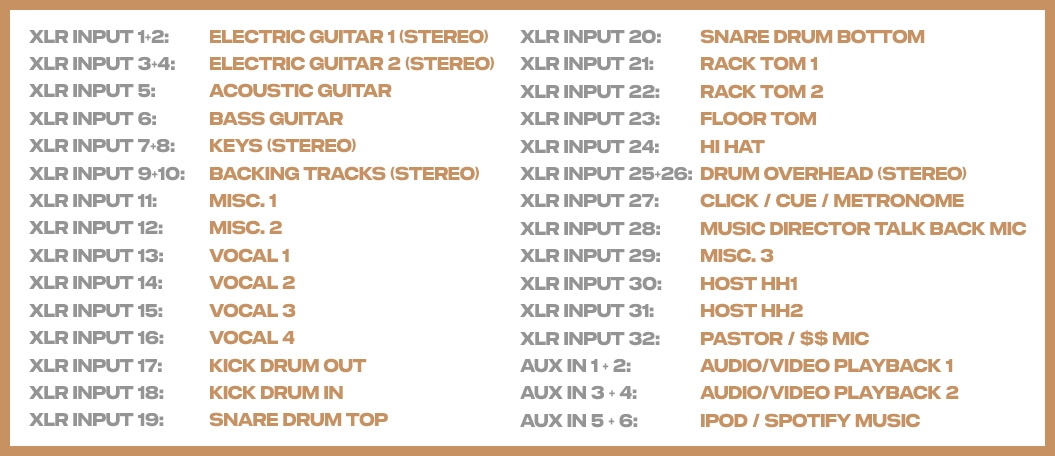
- Input patching configured for typical church setup
- Aux buses assigned for in-ear monitors
- Mix buses set up for effects sends
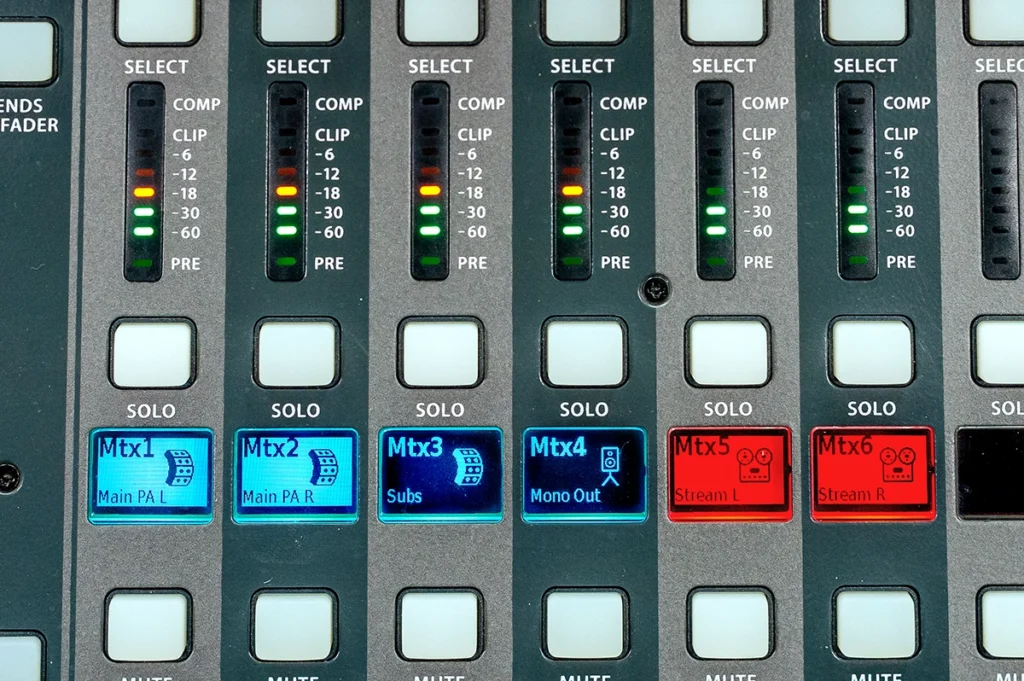
- Matrix outputs configured for lobby feed and streaming
Speaker System Flexibility
- Works with stereo, stereo + sub, or mono systems
- Main LR outputs optimized for live sound
- Center/Mono bus available for single-speaker setups
- Subwoofer crossover pre-configured
Streaming Optimization
This scene includes dedicated processing for online streaming:
Broadcast Bus Processing
- Separate mix bus for streaming feed
- Pre-processed vocal chain for clear online audio
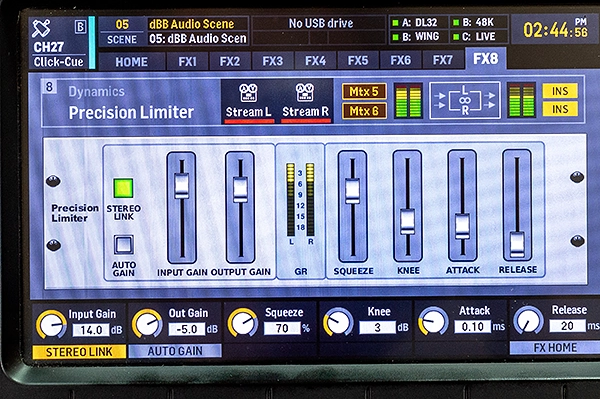
- Precision limiter set to optimal loudness for streaming platforms
- Balanced mix that translates well to laptop speakers and headphones
Why Separate Processing?
Mixing for a live room is different from mixing for streaming. This scene handles both—your in-room mix stays natural and dynamic, while your online feed is polished and broadcast-ready.
Effects Rack Configured
The X32/M32 effects rack is loaded with Drew’s go-to effects:
- Reverbs (vocal, drum, and ambient)
- Delays (quarter note, eighth note, slapback)
- Modulation (chorus, flanger)
- All pre-configured and ready to use
Documentation Included
Scene Documentation PDF
A detailed breakdown of how this scene is configured—routing, bus assignments, channel processing, and effects settings. Understand the “why” behind every decision.
Quick-Start Guide PDF
Simplified instructions for volunteers and new team members. Covers the basics of using this scene without overwhelming them with details.
Pre-Filled Patching Worksheet
Shows exactly where to plug in all your inputs and outputs. Eliminates guesswork and reduces setup time.
How to Use This Scene
- Load as-is for a complete starting point
- Customize channel settings for your specific mics and instruments
- Adjust bus assignments to match your monitor setup
- Tweak effects to taste
- Set input gains to match your sources
How to Install
- Download and unzip the scene file
- Load onto USB thumb drive
- Insert USB drive into X32/M32
- Press Scenes → Load → Navigate to file
- Press Load and confirm
Requirements
- Behringer X32 or Midas M32 (any model)
- Firmware V2.0 or newer
- USB thumb drive (for loading scene)
- PDF reader for documentation (Adobe Reader is free)
Not Sure if This is Right For You?
This advanced scene is built for engineers who already know the X32/M32. If you’re still learning the console or want more flexibility to build your own setup, here are better starting points:
New to the X32/M32?
Start with the X32 Fundamentals Course—a step-by-step guide to understanding how the console works. Once you’re comfortable with the basics, this advanced scene will make a lot more sense.
Want to build your own setup?
The Channel + Effects Bundle gives you 98 channel presets and 100 effects presets—so you can customize your console piece by piece while learning as you go.