Effects Presets for the Behringer WING
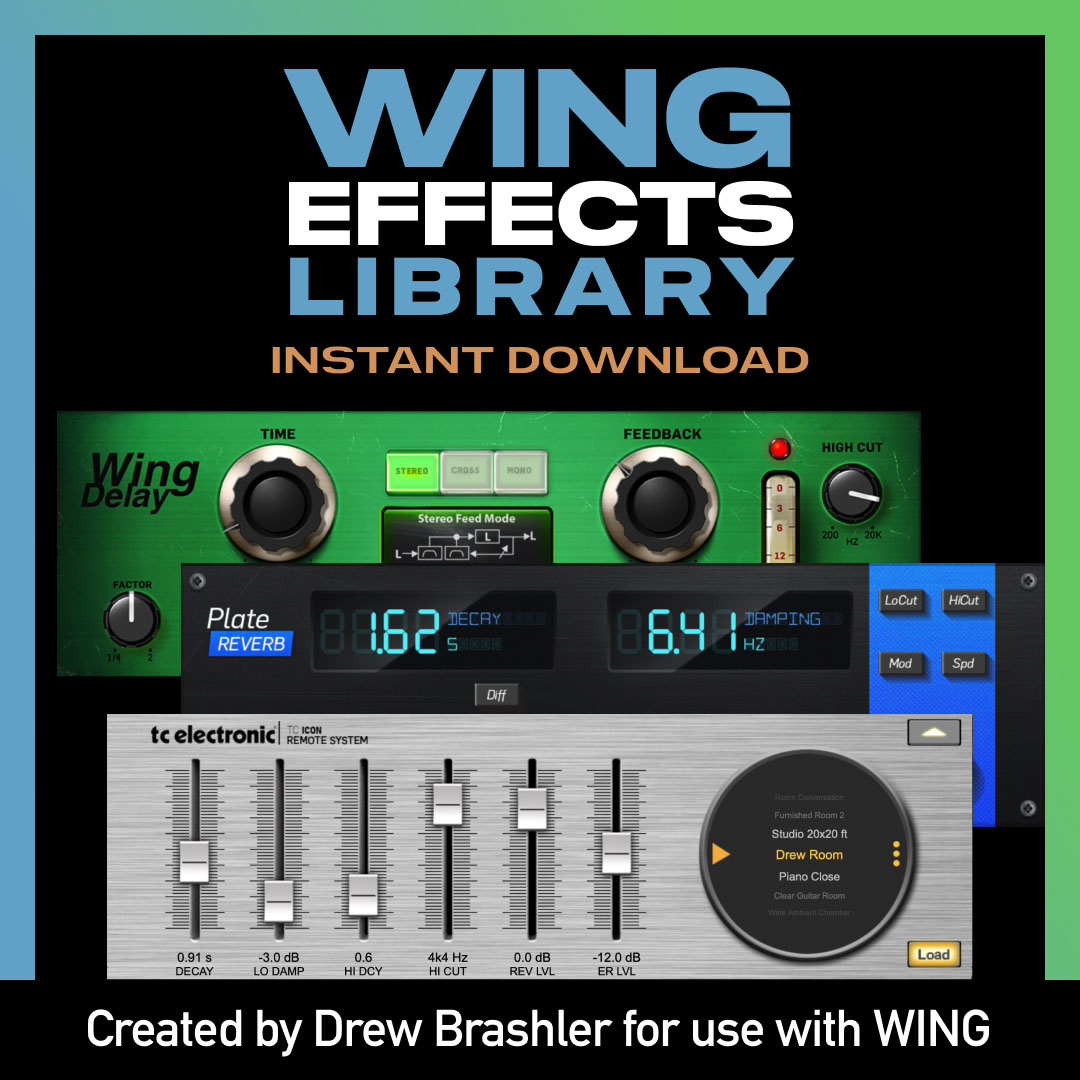
Get 601 effects presets for your Behringer WING—ready to load and use immediately. Stop spending hours tweaking reverbs, delays, and compressors from scratch. Start with professionally-tuned presets and adjust to taste.
These presets work on all Behringer WING models and cover the full range of the console’s effects processing.
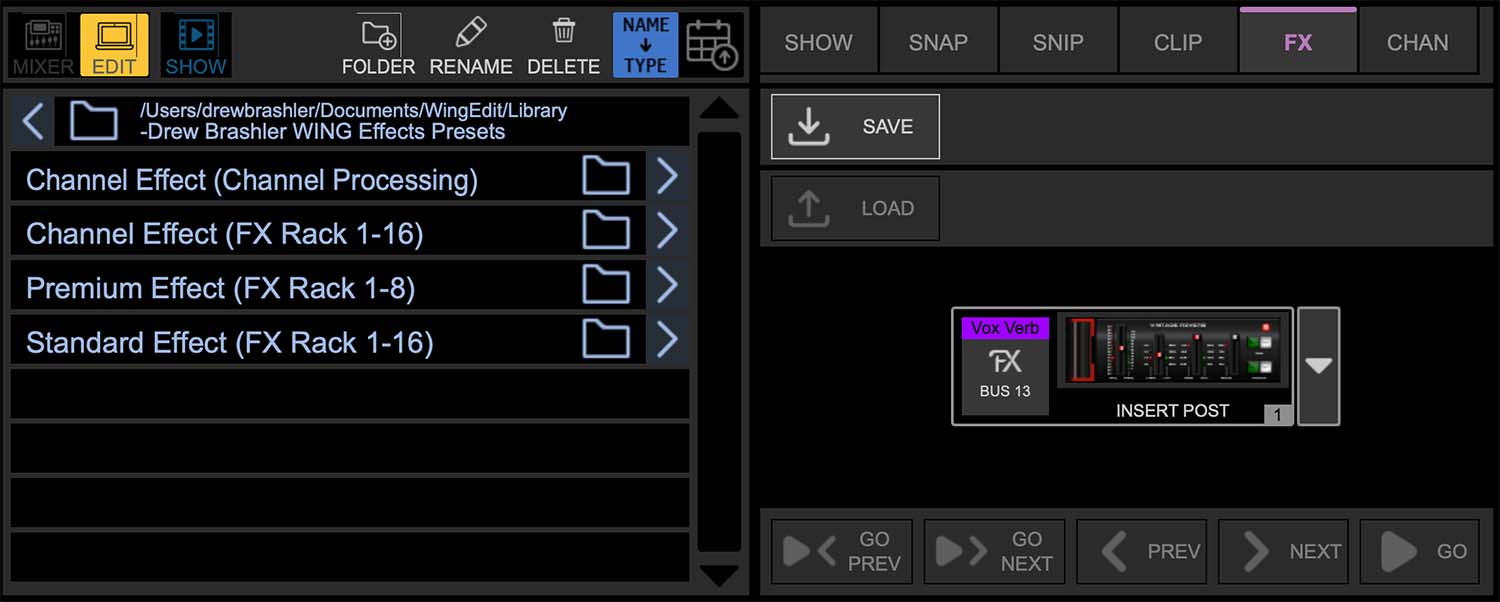
What’s Included
- 286 presets for the WING’s FX processors
- 315 presets for channel processing emulations
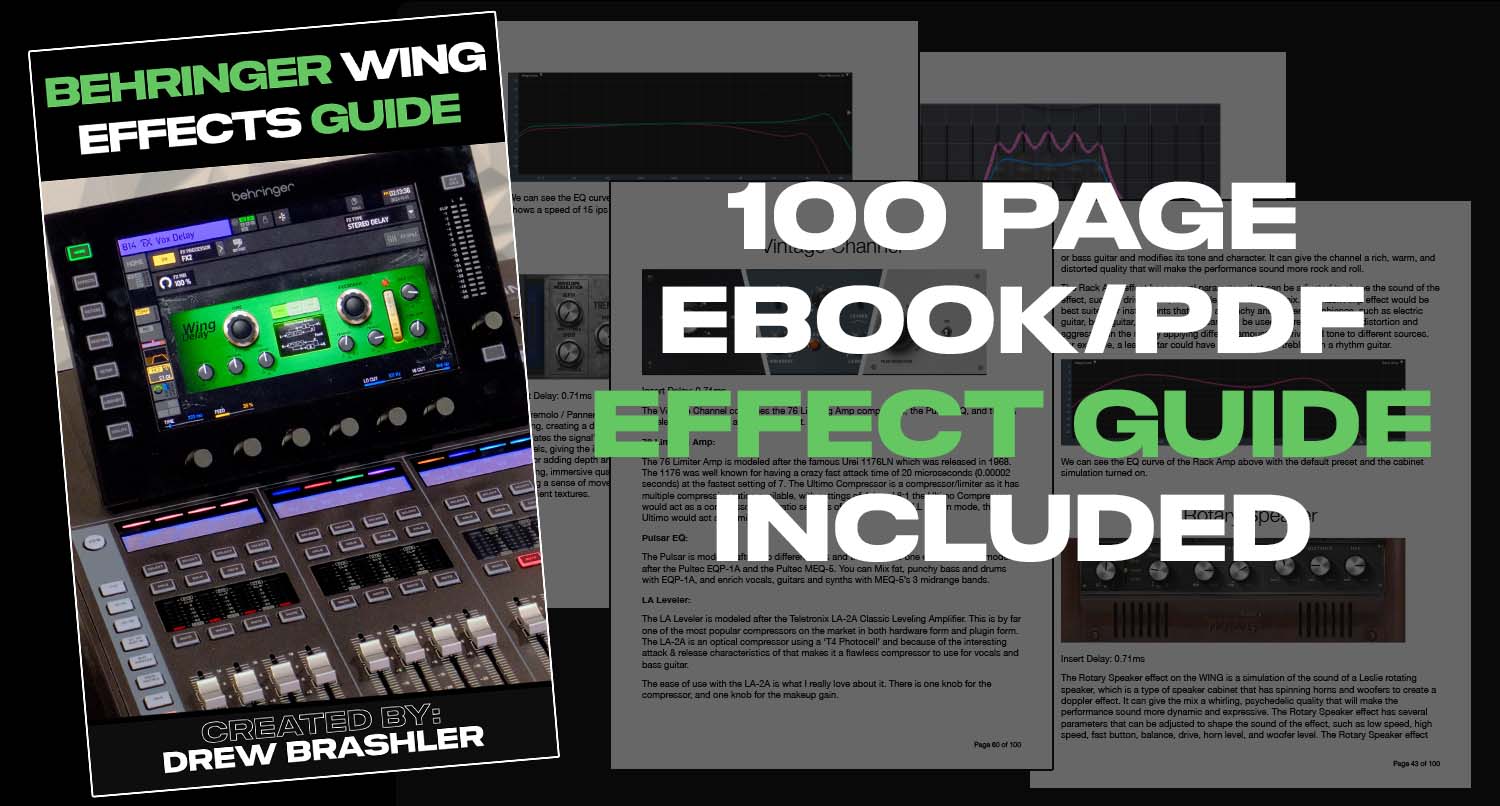
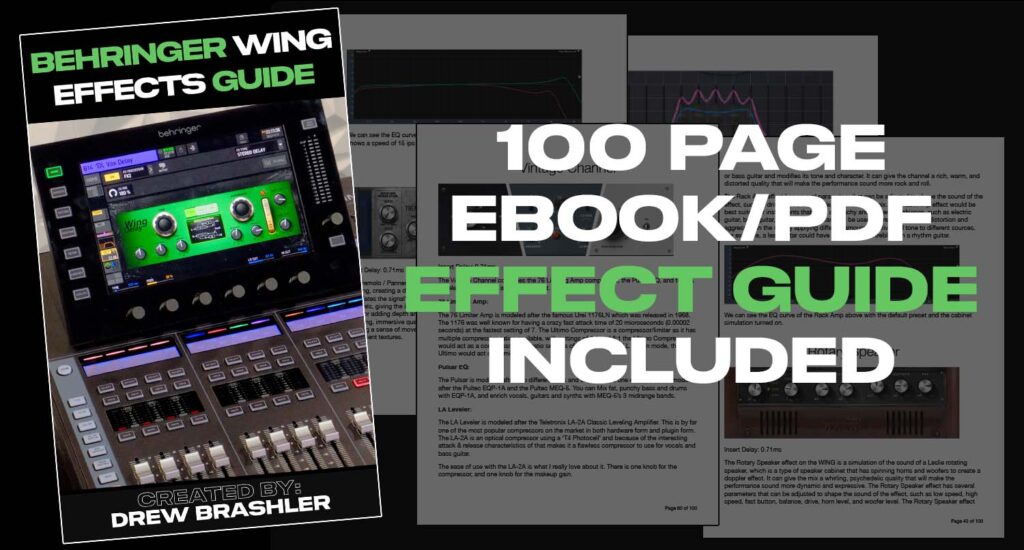
- 100-page PDF documentation explaining every setting
Effects Breakdown
601 total presets covering 73 different effects emulations
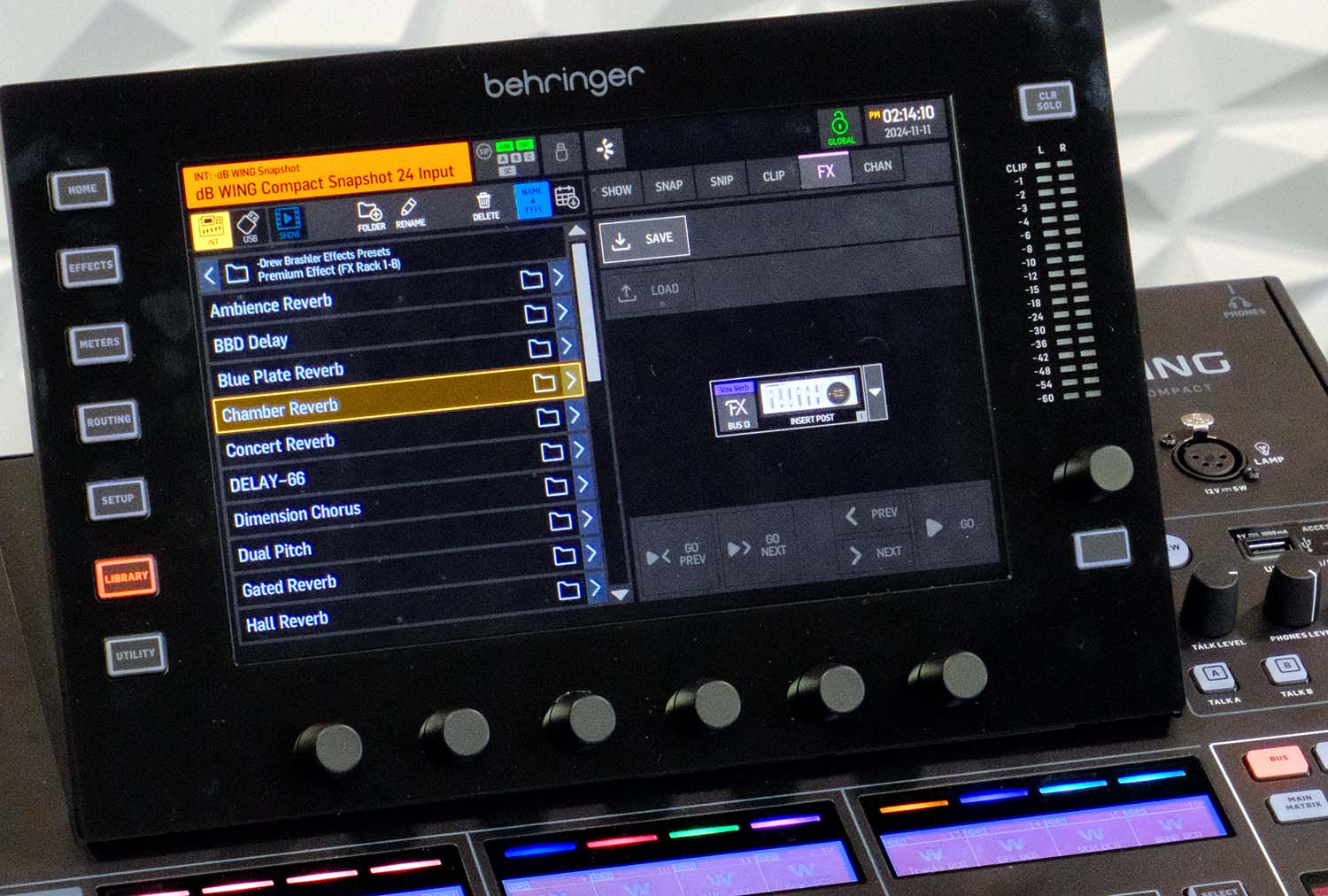
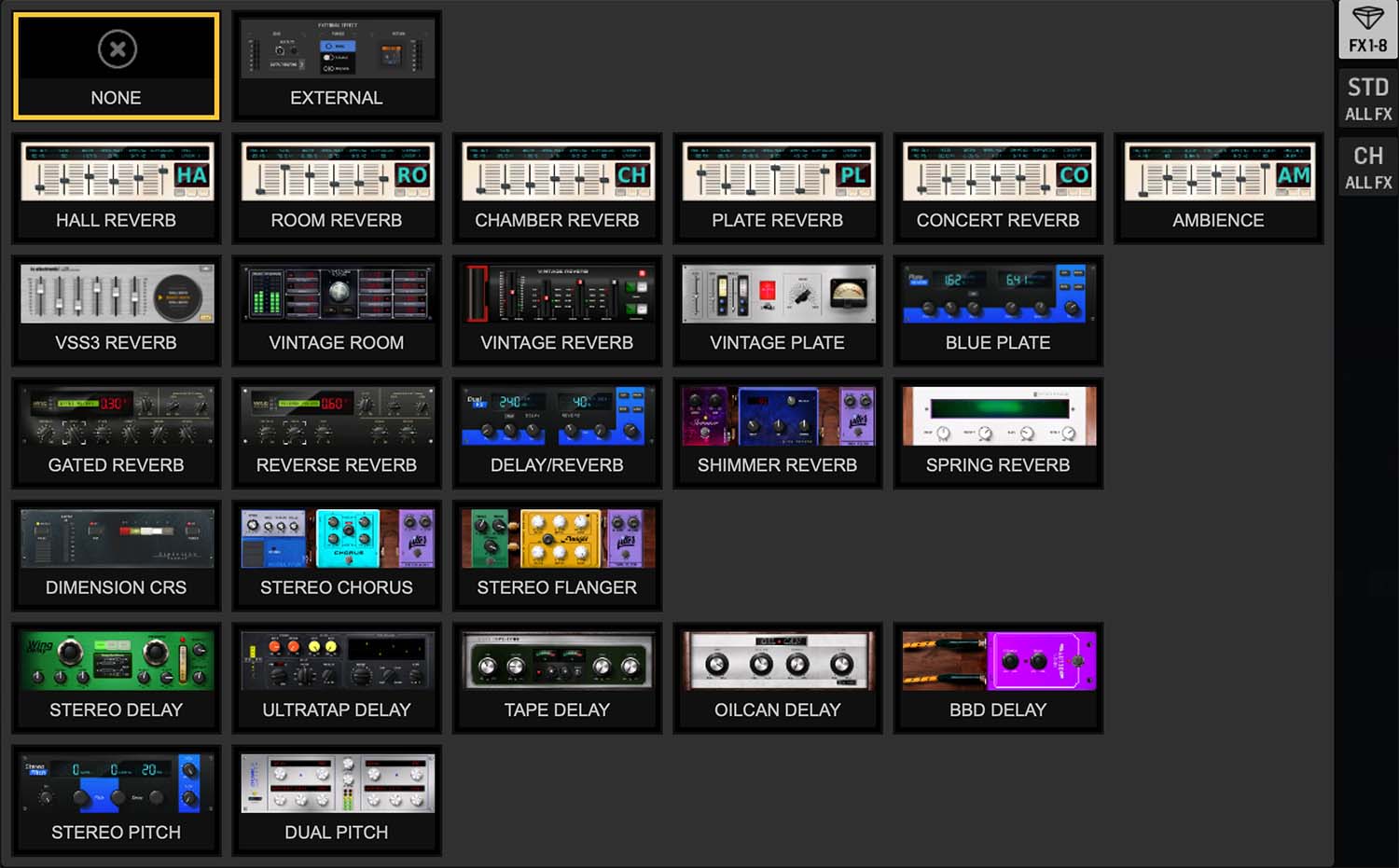
Behringer WING Premium Effects:
- Ambience Reverb
- BBD Delay
- Blue Plate Reverb
- Chamber Reverb
- Concert Reverb
- Delay/Reverb
- Dimension Chorus
- Dual Pitch
- Gated Reverb
- Hall Reverb
- Oilcan Delay
- Plate Reverb
- Reverse Reverb
- Room Reverb
- Shimmer Reverb
- Spring Reverb
- Stereo Chorus
- Stereo Delay
- Stereo Flanger
- Stereo Pitch
- Tape Delay
- Ultratap Delay
- Vintage Plate
- Vintage Reverb
- Vintage Room Reverb
- VSS3 Reverb
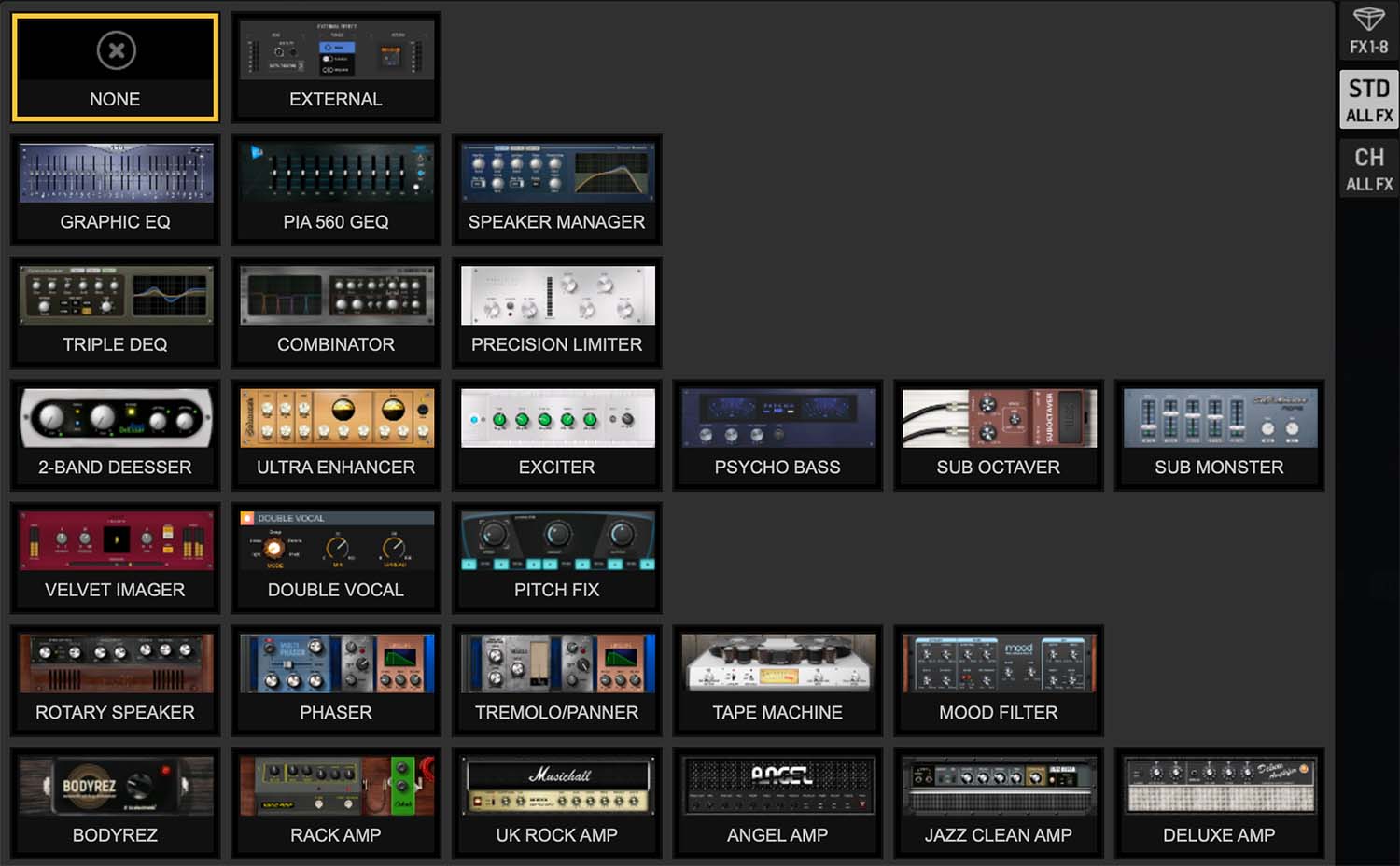
Behringer WING Standard Effects:
- 2-Band DeEsser
- Angel Amp
- Bodyrez
- C5-Combinator
- Deluxe Amp
- Double Vocal
- Jazz Clean Amp
- Phaser
- Pitch Fix
- Precision Limiter
- Psycho Bass
- Rock Amp
- Rotary Speaker
- Sub Octaver
- Tape Machine
- Tremolo/Panner
- Triple DEQ
- UK Rock Amp
- Ultra Enhancer
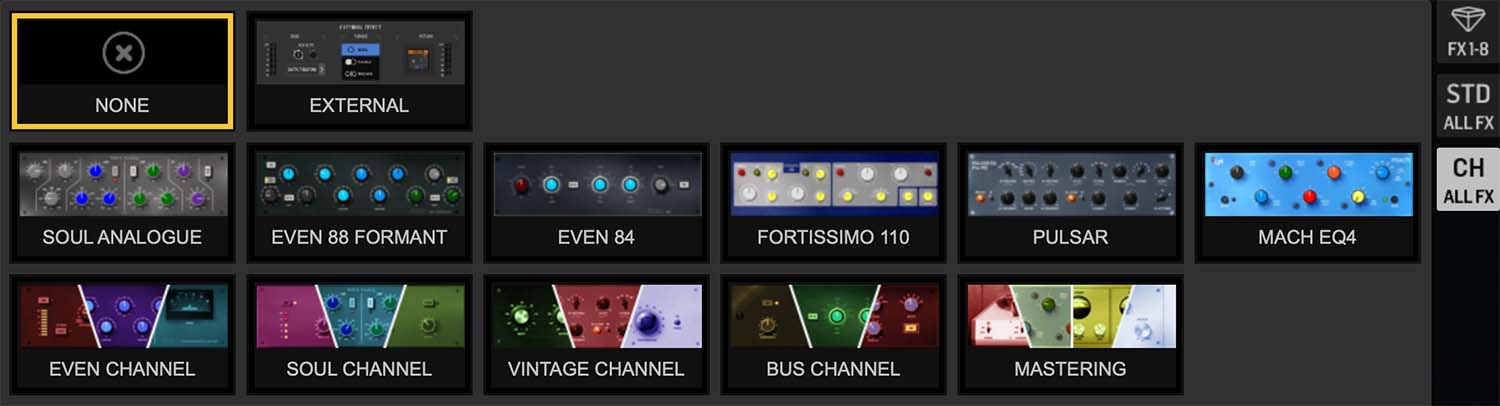
Behringer WING Channel Effects:
- Soul Analogue
- Even 88 Formant
- Even 84
- Fortissimo 110
- Pulsar
- Mach EQ4
- Even Channel
- Soul Channel
- Vintage Channel
- Bus Channel
Why Use Effects Presets?
Presets give you a starting point—not a final destination. Instead of building every reverb and compressor setting from scratch, you start with something that already sounds good and tweak from there.
The included 100-page PDF explains why each preset is built the way it is. You’ll learn as you mix, and feel confident adjusting settings to match your room and your style.
Who This is For
- Churches running live sound and streaming on the Behringer WING
- Worship leaders and volunteers who want better effects without the guesswork
- Live sound engineers looking for go-to effects settings
- Anyone new to the WING who wants professional-sounding effects fast
How to Install
- Connect your computer to the WING via USB (or use a USB thumb drive)
- Transfer the preset files to the console
- Load presets from the WING’s library
Full instructions included in the PDF documentation.
Requirements
- Behringer WING (any model)
- Computer or USB thumb drive to load presets
- PDF reader for documentation (Adobe Reader is free)
Want Channel Presets too?
Pair this with the Channel Presets Library for a complete setup. Or save by getting both in the Channel + Effects Bundle.