Channel Presets Library for the Behringer X-Air & Midas M-Air
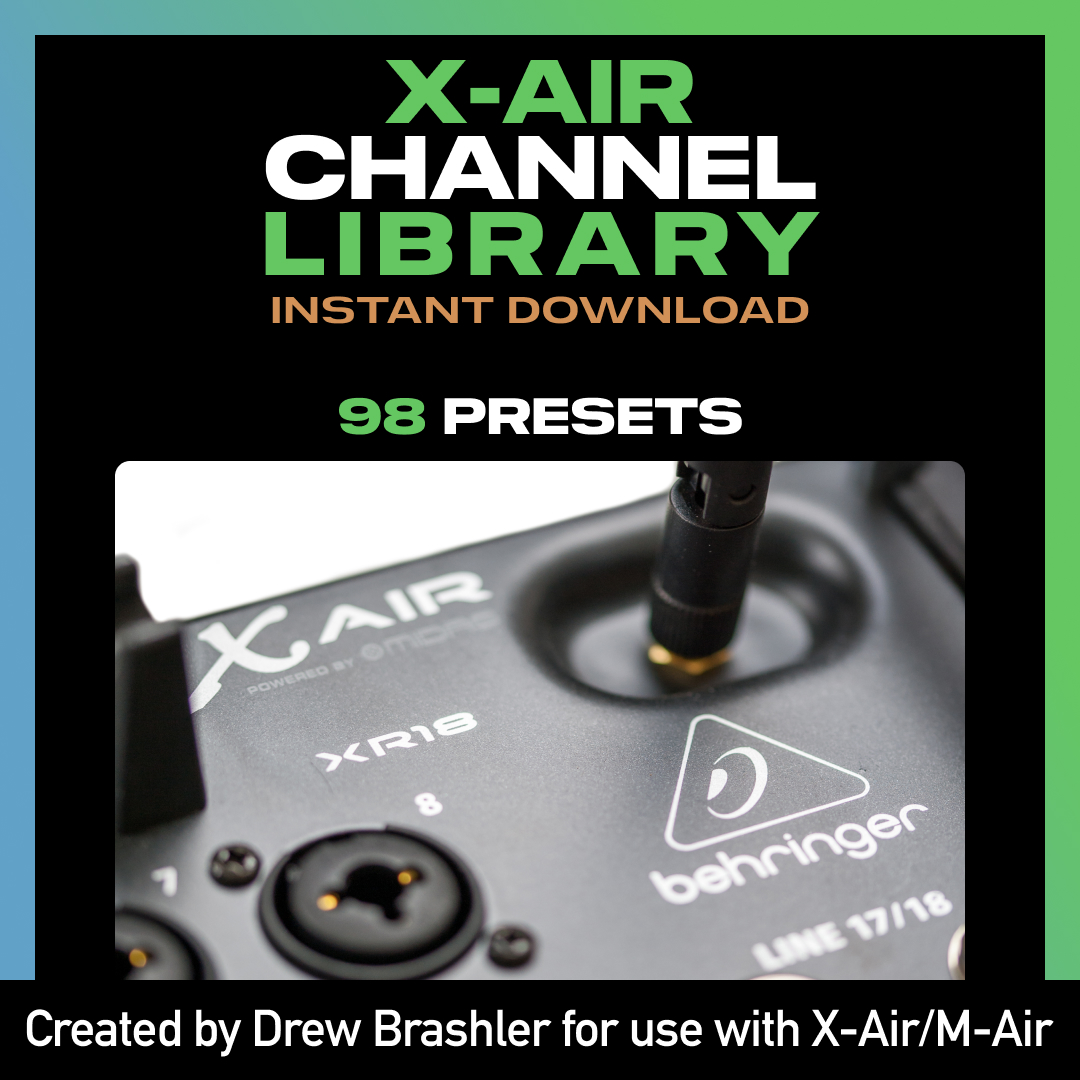
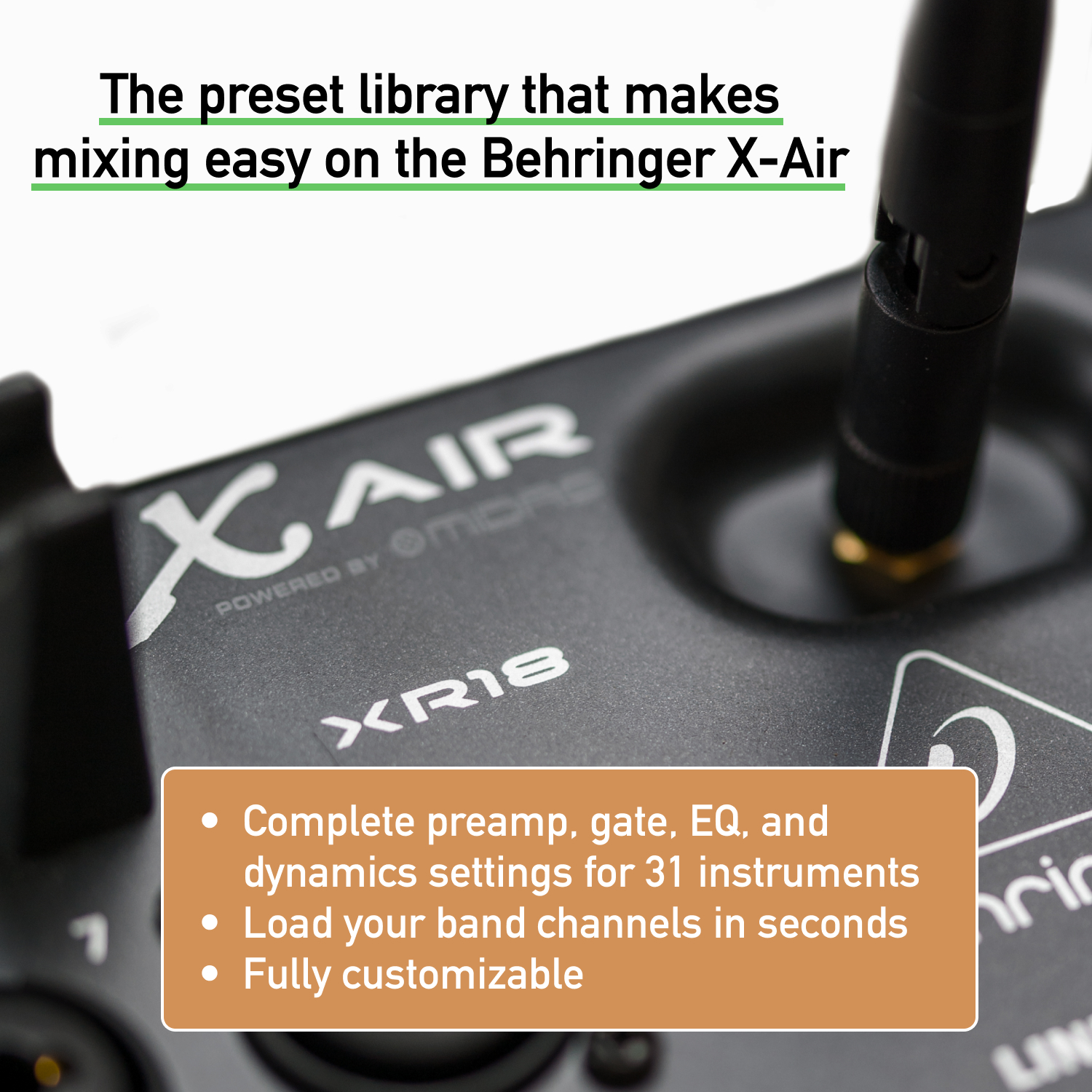
Get 98 channel presets for your Behringer X-Air or Midas M-Air—ready to load and use immediately. Stop spending hours dialing in EQ, compression, and gates from scratch. Start with professionally-tuned presets and adjust to taste.
These presets work on all X-Air and M-Air models.
What’s Included
- 98 channel presets for common instruments and vocals
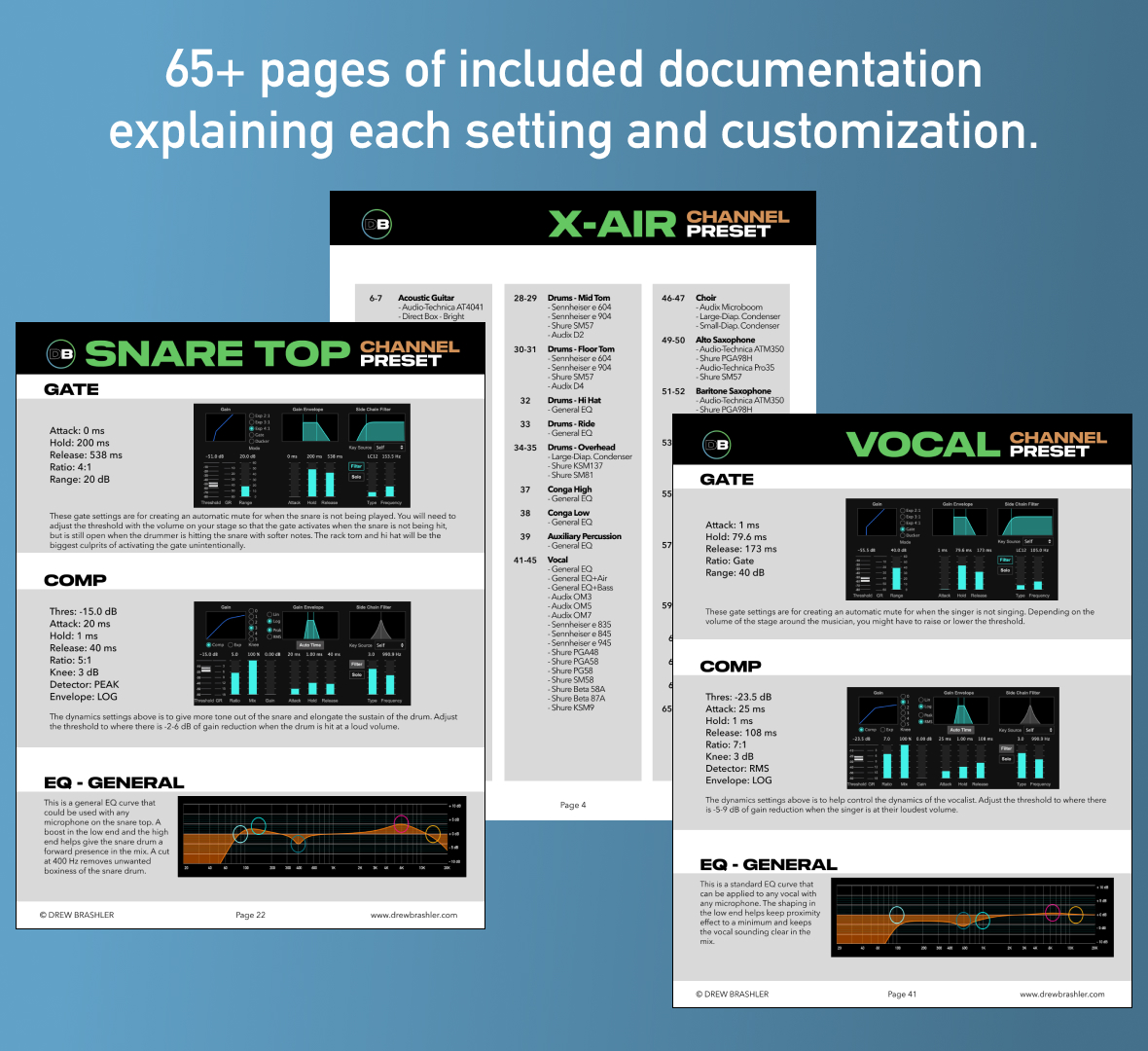
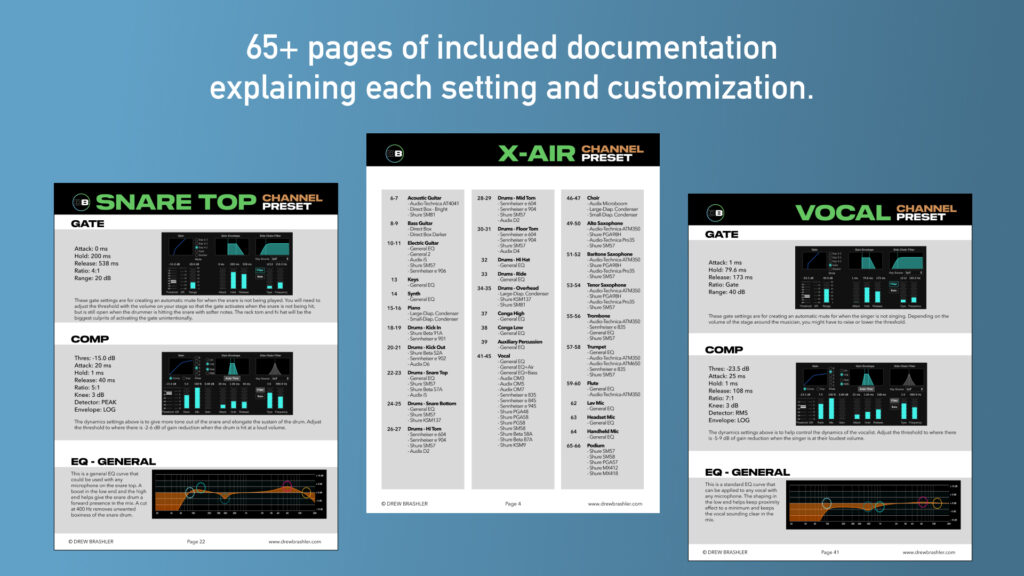
- 60+ page PDF documentation explaining every setting
- Loading instructions for X-Air Edit software
Channel Presets Included
98 presets for common instruments and sources:
- Acoustic Guitar
- Alto Saxophone
- Aux Percussion
- Baritone Saxophone
- Bass Guitar
- Choir
- Conga
- Drums
- Kick Drum
- Snare Drum
- Snare Bottom
- Hi Tom, Mid Tom, Floor Tom
- Hi Hat
- Ride
- Overhead
- Electric Guitar
- Flute
- Keys
- Piano
- Podium
- Speech
- Synth
- Trombone
- Tenor Saxophone
- Trumpet
- Vocal

Optimized for popular microphones
Presets included for specific mic models:
- Audio-Technica
- AT4041, ATM350, Pro35
- Audix
- D2, D4, D6, i5, MicroBoom, OM3, OM5, OM7
- Sennheiser
- e 604, e 835, e 845, e 901, e 902, e 904, e 945
- Shure
- SM57, SM58, SM81
- Beta 52A, Beta 57A, Beta 87, Beta 91A
- KSM9, KSM137
- MX412, MX418
- PGA48, PGA57, PGA58, PGA98H, PG58
Why Use Channel Presets?
Presets give you a starting point—not a final destination. Instead of building every channel from scratch, you start with something that already sounds good and tweak from there.
The included 60+ page PDF explains why each preset is built the way it is. You’ll learn as you mix, and feel confident adjusting settings to match your room and your style.
Who This is For
- Churches running live sound on the X-Air or M-Air
- Worship leaders and volunteers who want better sound without the guesswork
- Live sound engineers looking for go-to channel settings
- Anyone new to the X-Air/M-Air who wants professional-sounding mixes fast
How to Install
- Download and unzip the preset files
- Open X-Air Edit or M-Air Edit software (free from Behringer/Midas)
- Connect to your mixer
- Navigate to Channel Library section
- Import presets (full instructions included in PDF)
Requirements
- Behringer X-Air or Midas M-Air (any model):
- XR12, XR16, XR18, X18 (Behringer)
- MR12, MR18 (Midas)
- X-Air Edit or M-Air Edit software (free download)
- Computer to load presets
- PDF reader for documentation
Want Effects Presets Too?
Pair this with the Effects Presets Library for complete coverage. Or save by getting both in the Channel + Effects Bundle.
New to the X-Air?
If you’re still learning the console, check out the Complete X-Air Course—a step-by-step guide to mixing on the Behringer X-Air. Over 5 hours of video training to help you fully understand your mixer.